

Reduce Policy…
Streamline approvals…

Task Management Strengthens Team Coordination Across Remote Workflows
June 26, 2026
Transform Employee Training with Easy Scalable Course Creation Systems
July 3, 2026Task Management Strengthens Team Coordination Across Remote Workflows
June 26, 2026Transform Employee Training with Easy Scalable Course Creation Systems
July 3, 2026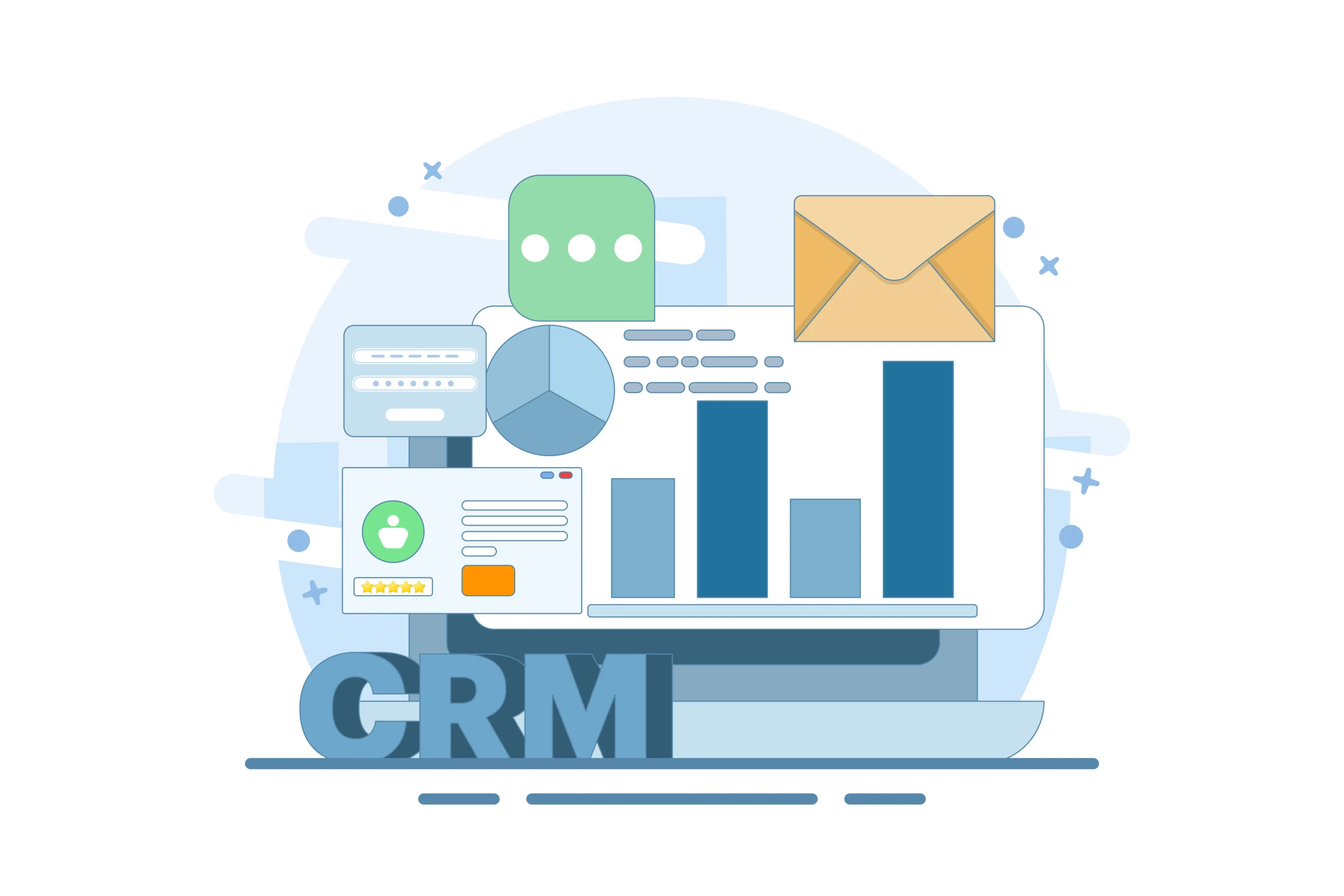
Every missed follow-up is a missed opportunity. In fast-moving sales and customer environments, timing matters more than effort. Teams often work hard to capture leads, respond to inquiries, and manage relationships. Yet, without a structured follow-up system, even the most promising prospects slip away.
Manual processes create gaps. Notes get buried, emails go unanswered, and reminders are forgotten. As customer journeys grow more complex, relying on memory or scattered tools becomes a serious risk. Businesses need a smarter way to stay consistent, responsive, and organized.
Automated CRM alerts and CRM notifications bring structure to this chaos. They ensure that no interaction is overlooked and every opportunity is acted on at the right time.
Automated CRM alerts and notifications are real-time prompts triggered by customer actions, timelines, or predefined conditions. These alerts help teams stay informed and take immediate action without relying on manual tracking.
They act as a proactive system that reminds, notifies, and guides teams throughout the customer lifecycle.
These alerts ensure that follow-ups happen consistently and at the right moment.
Follow-ups are not just a routine task. They directly impact conversions, customer satisfaction, and long-term revenue.
Timely Responses Build Trust
Customers expect quick responses. Delays reduce interest and weaken trust. When follow-ups are timely, conversations stay relevant and engaging.
Consistency Drives Conversions
Most deals are not closed in the first interaction. Multiple touchpoints are required to build confidence. A structured process like sales follow-up automation ensures that prospects are nurtured properly.
Missed Follow-Ups Lead to Revenue Loss
When follow-ups are inconsistent, leads go cold. Opportunities that required just one more interaction are lost due to lack of action.
Many businesses still rely on manual processes. These systems create inefficiencies that slow down growth.
Lack of Centralized Tracking
Customer data is often spread across emails, spreadsheets, and notes. This makes it difficult to track interactions and plan next steps without a proper follow-up tracking system.
Human Error and Forgetfulness
Even experienced teams forget to follow up when managing multiple leads. Important tasks get delayed or missed entirely.
Poor Lead Prioritization
Without clear signals, teams treat all leads the same. High-value opportunities do not receive the attention they need.
Inefficient Team Coordination
Multiple team members may contact the same lead, or worse, no one follows up at all. This creates confusion and damages the customer experience.
Automation transforms follow-ups from reactive tasks into proactive actions.
Real-Time Notifications for Immediate Action
When a lead opens an email, visits a page, or responds to a message, alerts are triggered instantly. Teams can act while the interest is still high using CRM notifications effectively.
Structured Task Management
Automated reminders ensure that every follow-up is scheduled and tracked. Strong CRM task management helps teams know exactly what needs to be done each day.
Context-Driven Engagement
Alerts provide insights into customer behaviour. This allows teams to tailor their communication based on real interactions.
Reduced Dependency on Memory
The system manages reminders and tasks. Teams can focus on conversations instead of tracking activities manually.
Not all alert systems deliver the same value. The effectiveness depends on how well they are designed.
Customizable Triggers
Businesses should be able to define when and why alerts are triggered. This ensures relevance and accuracy.
Multi-Channel Notifications
Alerts should be accessible across devices, including mobile, desktop, and email. This keeps teams connected at all times.
Smart Prioritization
High-value leads and urgent tasks should be highlighted. This helps teams focus on what matters most within a lead management CRM.
Workflow Integration
Alerts should connect with workflows such as task assignments and follow-up scheduling. This creates a seamless process.
Performance Tracking
Tracking response times and follow-up effectiveness helps improve strategies over time.
Sales Teams Close Deals Faster
Sales teams receive instant alerts when leads show interest. This allows them to respond quickly and move deals forward using sales follow-up automation.
Marketing Teams Improve Lead Nurturing
Marketing teams can track engagement and trigger timely follow-ups through lead follow-up automation. This keeps prospects engaged throughout the funnel.
Customer Support Teams Meet Expectations
Support teams receive alerts for pending issues and unresolved queries. This helps maintain service quality and response time.
Account Managers Build Strong Relationships
Automated reminders for renewals and check-ins help account managers maintain long-term relationships.
Higher Conversion Rates
Timely and consistent follow-ups increase the chances of closing deals.
Better Customer Experience
Customers receive prompt responses and relevant communication.
Improved Productivity
Teams spend less time tracking tasks and more time engaging with customers.
Reduced Revenue Leakage
Fewer missed opportunities mean better revenue outcomes.
Scalable Operations
As businesses grow, automated systems handle increased workloads without adding complexity.
These signs highlight the need for automated CRM alerts and a structured follow-up tracking system.
Define Clear Objectives
Identify which follow-up processes need improvement. Focus on areas with the highest impact.
Avoid Notification Overload
Too many alerts can reduce effectiveness. Focus on meaningful and actionable notifications.
Align Alerts with Customer Journey
Map alerts to different stages of the customer lifecycle. This ensures relevance at every step.
Train Teams for Adoption
Alerts are effective only when acted upon. Teams should understand how to use them efficiently.
Continuously Optimize
Monitor performance and refine triggers to improve outcomes over time, especially within a lead management CRM.
Automation is evolving beyond simple reminders. Advanced systems are becoming more predictive and intelligent.
This evolution strengthens lead follow-up automation and improves overall efficiency.
Modern businesses need more than reminders they need a system that ensures every interaction happens at the right time. IVPHUB brings this capability together by enabling structured, timely, and action-driven CRM alerts and notifications that keep teams aligned and responsive. By organizing follow-ups, tracking interactions, and delivering real-time updates, IVPHUB helps eliminate missed opportunities and improves overall engagement. It creates a streamlined environment where teams can focus on meaningful conversations instead of manual tracking, making follow-ups more consistent and effective across the entire customer journey.
Problems Solved with CRM Alerts and Notifications
Missed Follow-Ups and Lost Opportunities
One of the biggest challenges in sales and customer management is forgetting to follow up. Automated alerts ensure that every lead, inquiry, or customer interaction is addressed on time, reducing the chances of losing valuable opportunities.
Lack of Visibility into Customer Interactions
Without a clear view of past interactions, teams struggle to maintain continuity. Notifications and centralized tracking provide complete visibility, helping teams understand where each relationship stands.
Inefficient Task Management
Managing follow-ups manually often leads to confusion and delays. Structured alerts help prioritize tasks, ensuring that urgent and high-value actions are completed first.
Delayed Response Times
Slow responses can reduce customer interest and trust. Real-time notifications enable faster engagement, allowing teams to respond while the opportunity is still active.
Poor Team Coordination
When teams are not aligned, follow-ups may be duplicated or missed entirely. Alerts create clarity by assigning responsibilities and keeping everyone informed about ongoing activities.
Inconsistent Customer Experience
Customers expect timely and relevant communication. Automated notifications help maintain consistency across all touchpoints, improving overall experience and satisfaction.
Difficulty Scaling Operations
As businesses grow, manual follow-up systems become harder to manage. Automated alerts provide a scalable solution that supports increasing workloads without compromising efficiency.
Follow-ups play a critical role in business success. Manual processes create gaps that lead to missed opportunities and inconsistent experiences.
Automated CRM alerts and notifications bring structure, speed, and clarity to follow-ups. They ensure that every interaction is timely, relevant, and actionable with strong CRM task management support.
Struggling to keep up with follow-ups and customer interactions? Reach out to us to discover how you can bring clarity and control to your CRM activities.
Businesses that streamline their follow-up processes gain a strong competitive advantage. They respond faster, engage better, and convert more opportunities into long-term value.
Automated CRM alerts are real-time triggers that notify teams about customer actions or pending tasks. They ensure timely follow-ups without relying on manual tracking.
CRM notifications prompt immediate action when a lead engages or a task is due. This reduces delays and keeps communication relevant and timely.
Follow-ups are missed due to scattered data, manual tracking, and lack of reminders. Without automation, teams struggle to manage multiple interactions consistently.
A follow-up tracking system records interactions and schedules future actions. It ensures every lead is monitored and no opportunity is overlooked.
Automation ensures consistent and timely engagement with prospects. This builds trust and keeps leads active throughout the sales cycle.
Yes, CRM alerts highlight high-value or urgent leads based on activity. This helps teams focus on opportunities with the highest conversion potential.
Alerts are triggered by actions like email opens, site visits, or task deadlines. They can also be customized based on deal stages or inactivity.
Alerts eliminate manual tracking and reduce time spent on task management. Teams can focus more on engagement and closing deals.
Yes, they notify teams about unresolved issues and response deadlines. This ensures faster resolution and better customer satisfaction.
A business should adopt CRM automation when follow-ups become inconsistent or missed. It becomes essential when scaling operations and managing multiple leads.